



RetroZino App
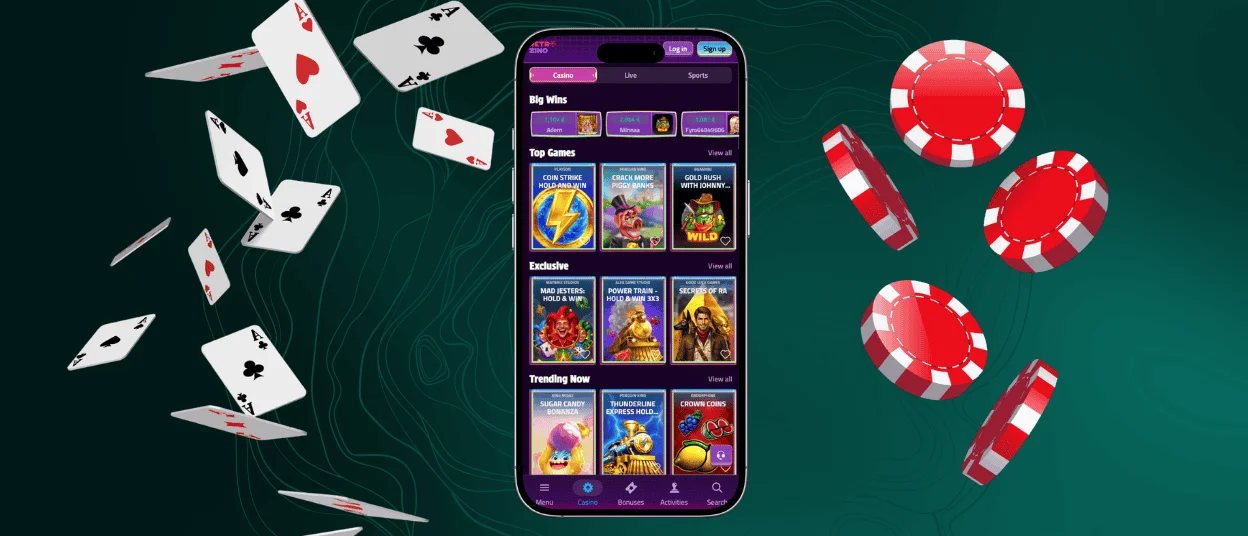
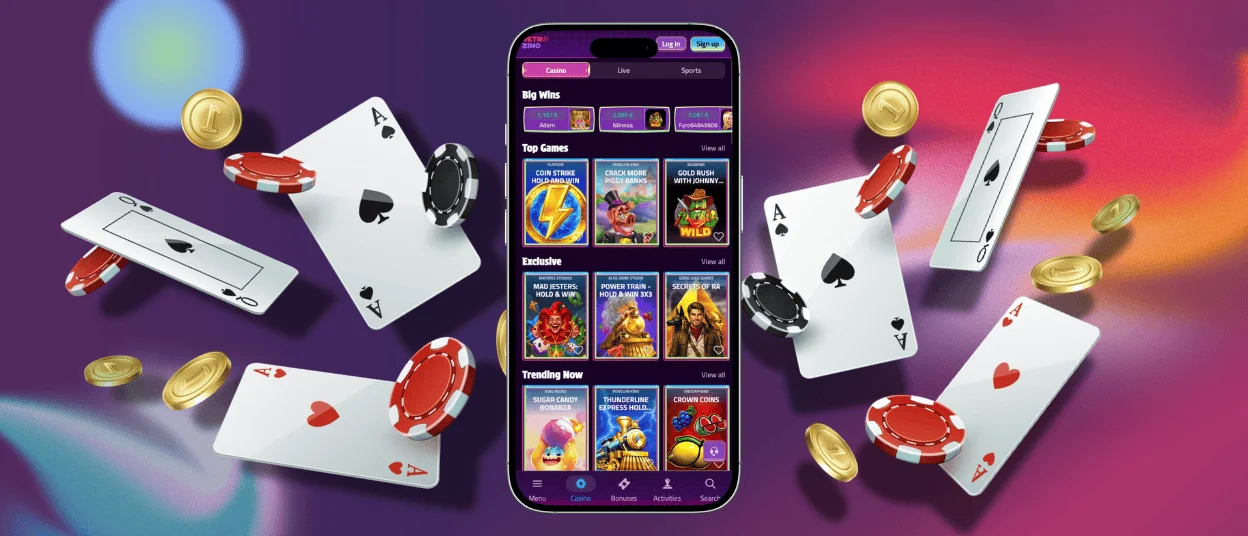
Players who prefer a phone or tablet can run the complete casino directly in the RetroZino App. It works as a Progressive Web App, so a quick setup places its icon on the home screen, and every launch opens straight into the game lobby. All titles and wallet tools from the main site remain available in the app, together with active bonuses and account settings.



RetroZino on Mobile
Touch input shapes the entire mobile layout. Game tiles and menus respond to finger taps, the wallet button sits within thumb reach, and the Retro Zino interface adapts to portrait or landscape orientation on any smartphone. Our team tuned loading times for cellular networks so online slots start within seconds even on 4G, which keeps the mobile casino responsive far away from home Wi-Fi.
Every section of the catalog stays open on mobile, from live dealer tables to crash titles. Deposits and withdrawals run through the same wallet found on the RetroZino Casino desktop site, and one tap on the live chat icon connects players with our Support Team around the clock. An installed icon also unlocks push notifications, so the RetroZino app announces fresh tournaments and bonus drops the moment they go live.
Best Use Cases for Mobile
A short break between tasks fits a few rounds of online slots perfectly because a mobile session starts in seconds and closes just as quickly. Commuters open Retro Zino on the train and finish a mission level before reaching their stop. Waiting rooms and coffee lines turn into playable minutes as well.
Reaction speed is another strength of the phone format: a push alert about a limited-time tournament arrives, and entry takes under a minute. Extended live casino evenings feel more comfortable on a large display, so many players keep spontaneous spins on the phone and schedule longer table sessions for the desktop.
RetroZino on Android
Chrome on Android recognizes the RetroZino casino site as an installable Progressive Web App and offers a home-screen shortcut on the first visit. Manual setup takes three quick actions:
- Open the official site in Chrome, then tap the three-dot menu in the top corner.
- The menu contains an Add to Home Screen option – select it and confirm the shortcut name.
- A new icon appears on the home screen and launches the lobby in full-screen mode from that point on.
Current Android releases run the RetroZino app smoothly, and the interface scales to match each display, so phones and tablets from every manufacturer show a clean layout. Chrome stores interface assets in a local cache after the first launch, which speeds up every following visit and trims mobile data use during regular play.
RetroZino for iPhone and iPad
Safari gives iPhone and iPad owners direct access to the full platform. The Share menu holds an Add to Home Screen option that turns the site into a standalone RetroZino app icon, and the lobby then opens in full-screen view for a cleaner gaming experience.
Apple’s WebKit engine renders animations smoothly and manages battery use with care, which becomes noticeable during longer live dealer sessions on an iPad. Each page reload delivers up-to-date casino content and features automatically, so iOS players always run the current version of Retro Zino.
RetroZino on Desktop
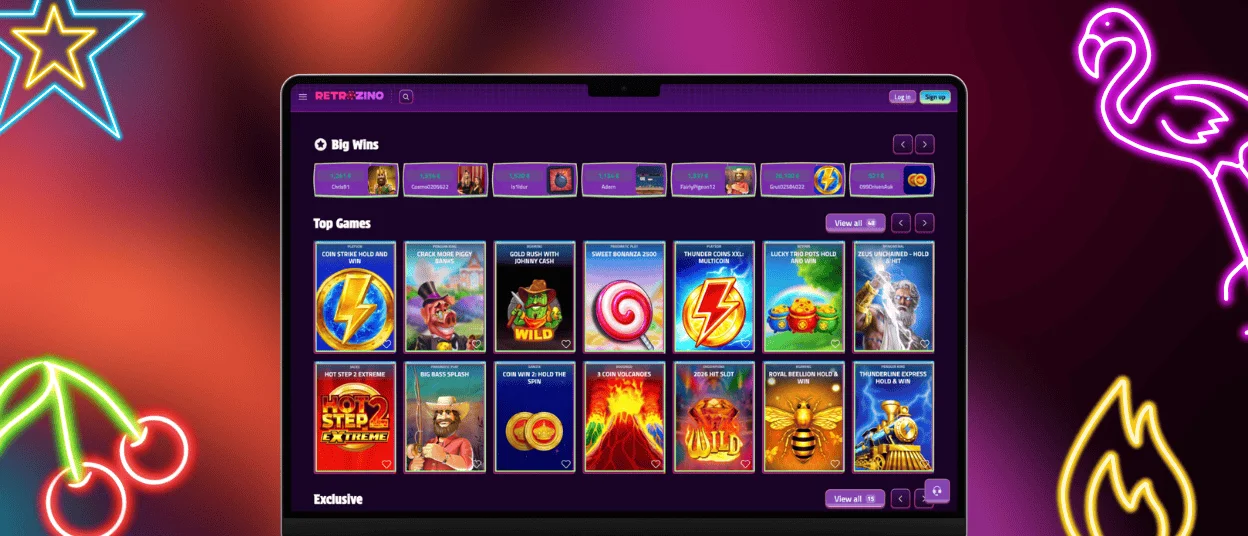
Windows and macOS computers open the RetroZino Casino platform straight from the browser, skipping any installation step. A large monitor shows the dealer view together with the betting grid and side statistics, which suits strategy-focused table play.
Precise mouse control adds value in crash games, where timing the cash-out click decides the round. Home Wi-Fi or a wired connection keeps long tournament evenings stable from the first spin to the final leaderboard refresh.
Browser Access
Chrome and Firefox handle the platform smoothly on both desktop systems. Safari covers Mac users, and Edge serves Windows players who prefer the preinstalled option. Launching a session takes a single visit to the official RetroZino Casino address followed by the usual login.
JavaScript should stay enabled in the browser settings, since games rely on it for animations and real-time balance updates. Performance remains consistent across all four browsers because the platform follows open web standards, and multi-tab browsing lets players keep Retro Zino open next to a promotion page or a support article.
Cross-Device Access and Synchronization
Each RetroZino Casino account lives on our servers, so progress follows the player across hardware automatically. A bonus activated on a phone continues on a laptop the same evening, and the wallet balance refreshes in real time on every screen.
The verification process runs once per Retro Zino account and then covers each device a player signs in from. The table below sums up supported platforms and the way synchronization behaves on each of them.
| Platform | Supported OS / Version | Access Method | Cross-Device Sync |
| Android phone or tablet | Current Android releases running Chrome | PWA icon added from the browser menu | Balance and bonuses refresh in real time |
| iPhone or iPad | iOS and iPadOS with Safari | Home screen icon via the Share menu | Sessions continue exactly where they paused |
| Windows PC | Current Windows versions | Direct browser play in Chrome, Firefox or Edge | Game history mirrors mobile activity instantly |
| Mac | Current macOS versions | Direct browser play in Safari or Chrome | Wallet limits and settings stay identical at every login |
FAQ
Are connections in the RetroZino app encrypted?
Yes, every connection runs over HTTPS secured with modern TLS protocols. The encryption protects login details along with each wallet transaction between the device and RetroZino Casino servers. Gameplay data travels through the same secure channel, and the browser sandbox adds one more protective layer around the RetroZino app.
Is the mobile game library the same as on desktop?
Yes, the catalog stays identical on every device. Each slot available on the Retro Zino desktop site also loads on a phone, and live dealer streams adjust their video quality to match the mobile connection. Filters and the search bar behave the same way, so finding a favorite title takes equal effort on any screen.
Can I activate the RetroZino welcome offer from my phone?
Yes. New players register through the RetroZino app, make a qualifying deposit from the wallet section, and the bonus lands in the RetroZino Casino account automatically. Free spins are included in the offer and open directly in the mobile version of the eligible slot, so the full welcome package works end-to-end on a smartphone.


